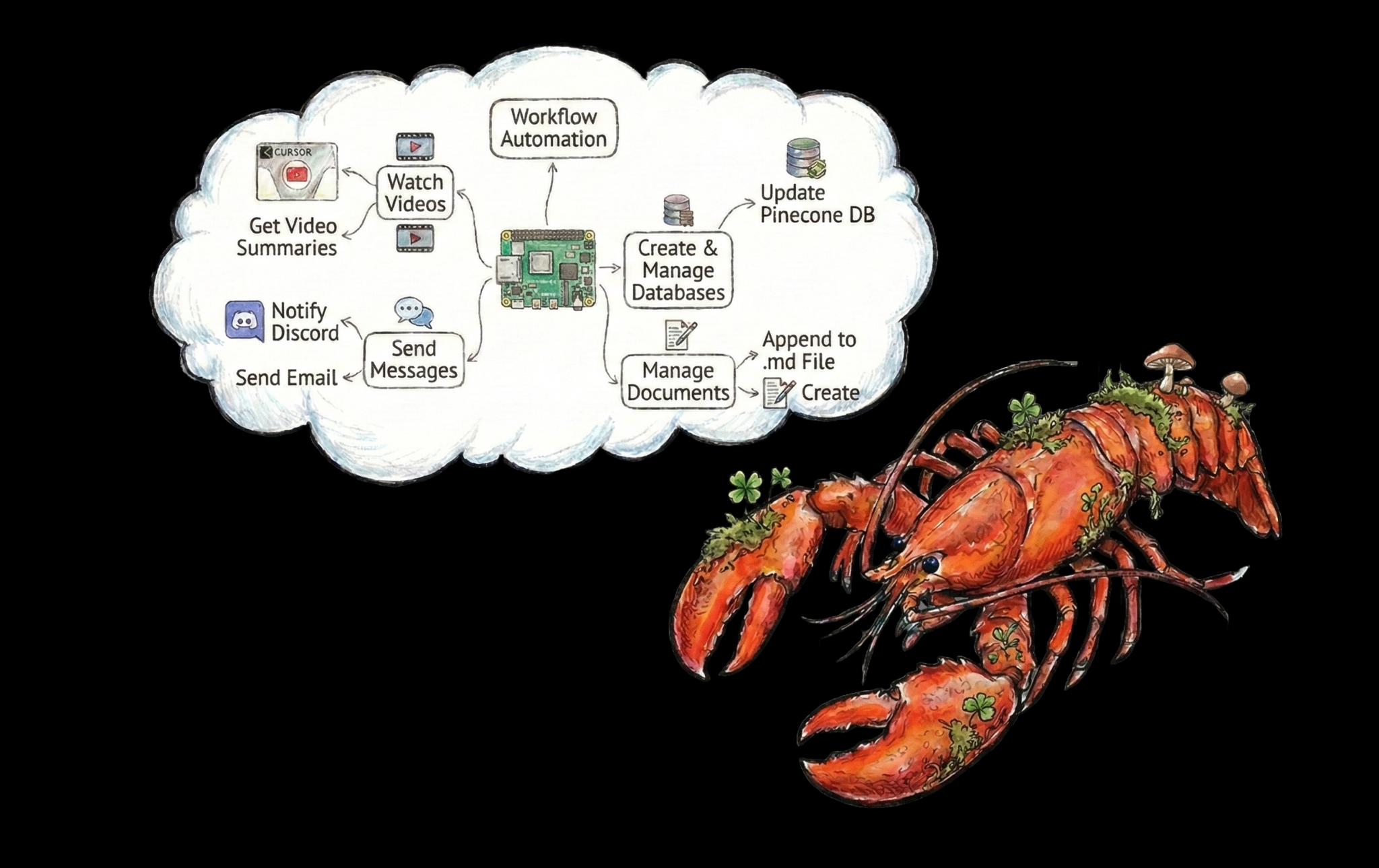
A Canvas with Claws
See what your OpenClaw agent is thinking before it acts. Review, edit, and correct agent context mid-workflow
Built on Rig. Rust alternative to Langchain

Clawback Your Context
Save time and tokens by asking your Openclaw agent for a canvas to peek inside the context
Review Before It Runs
Ask your agent to map its plan before executing. Catch wrong assumptions in 30 seconds instead of steering wrong outputs for 30 minutes.
Trace What Went Wrong
After an undesired output, ask the agent to canvas what it did. Inspect the decision path and pinpoint where reasoning diverged from intent.
Iterate Without Restarting
Pause a complex workflow, inspect the agent's current state, edit what's wrong directly in the canvas, and let it continue from the corrected context.
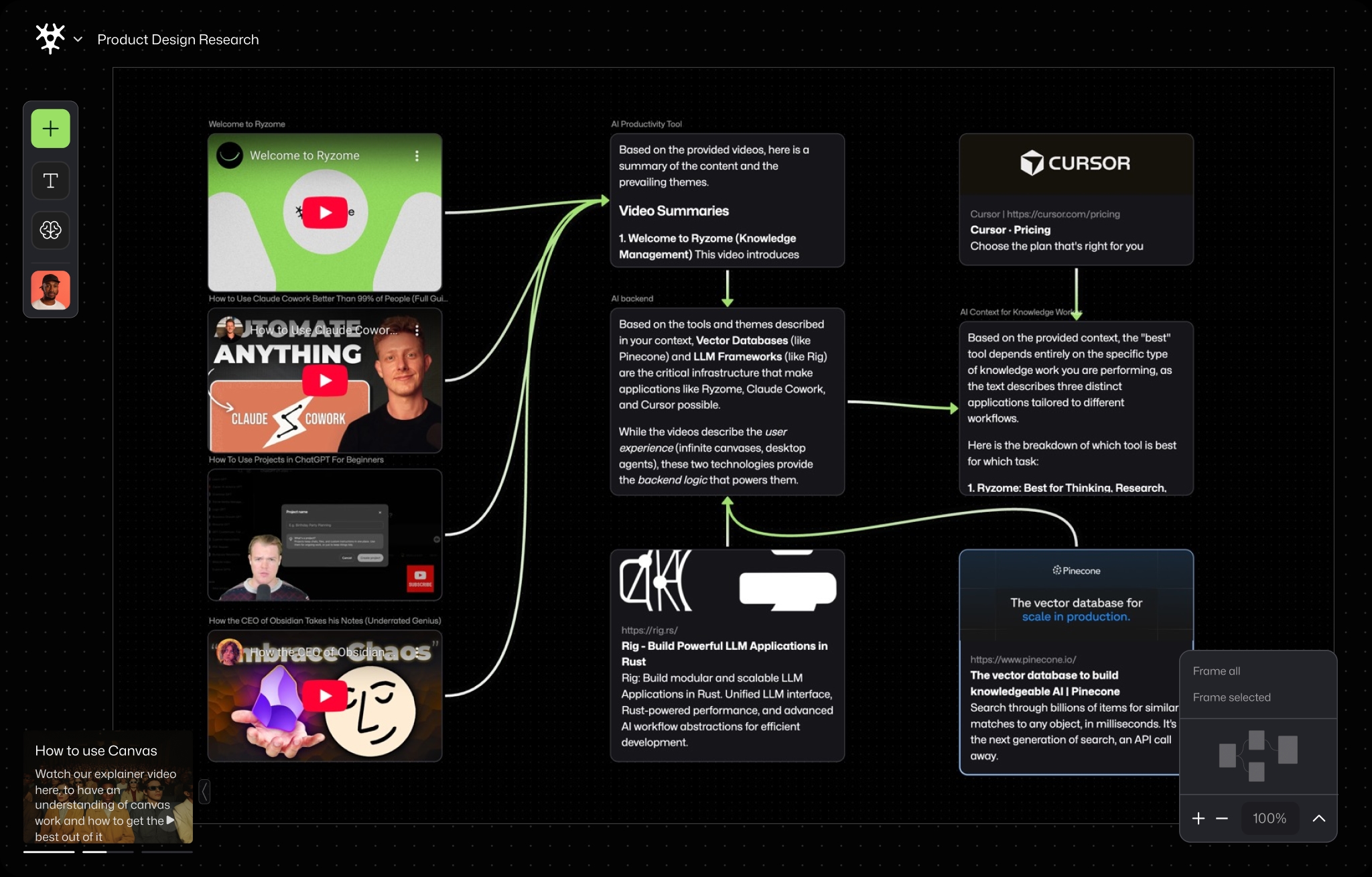
How Ryzome Works
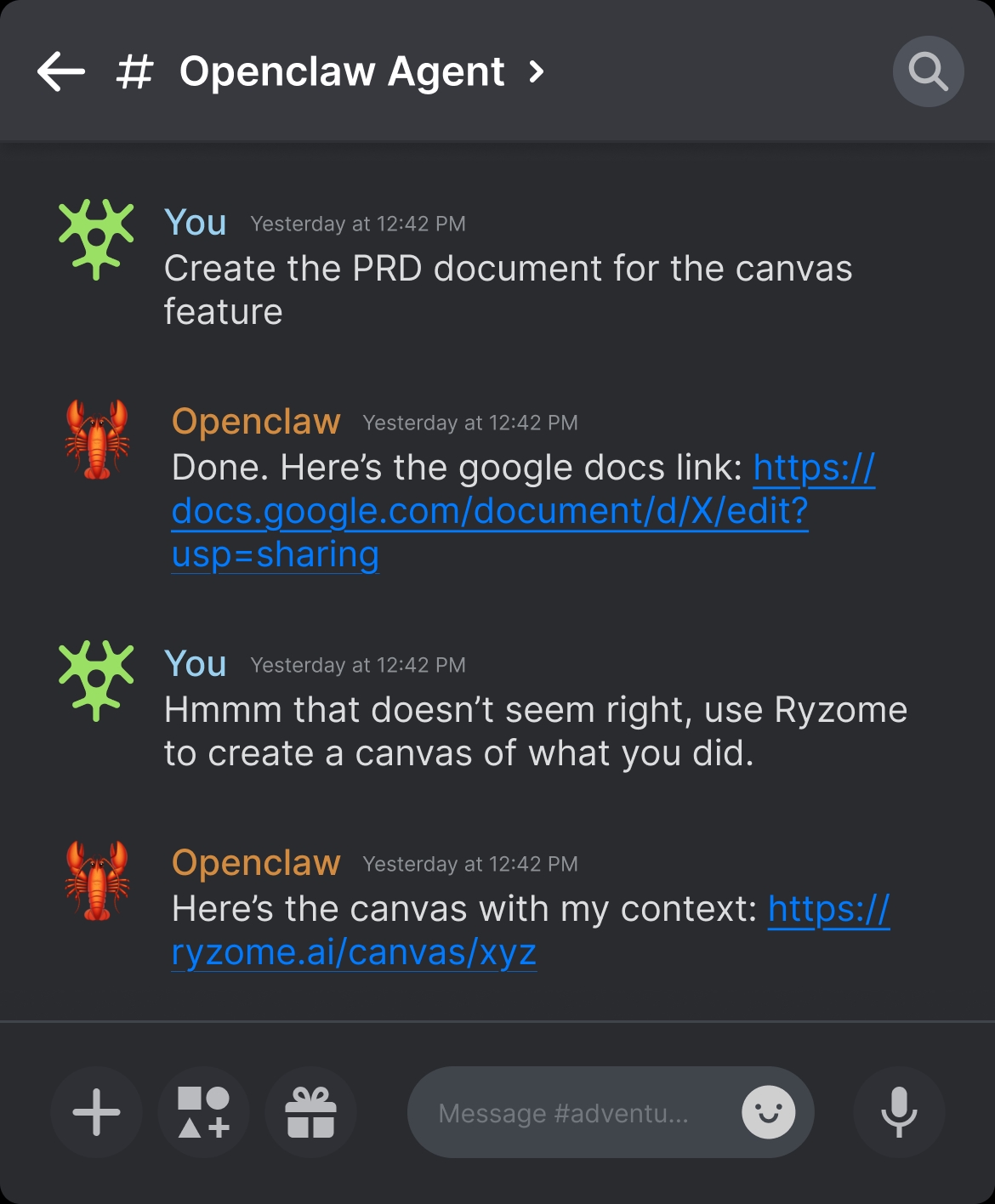
Ask your agent to generate a canvas
At any point in a workflow, ask the agent to map its current plan, context, or completed steps.
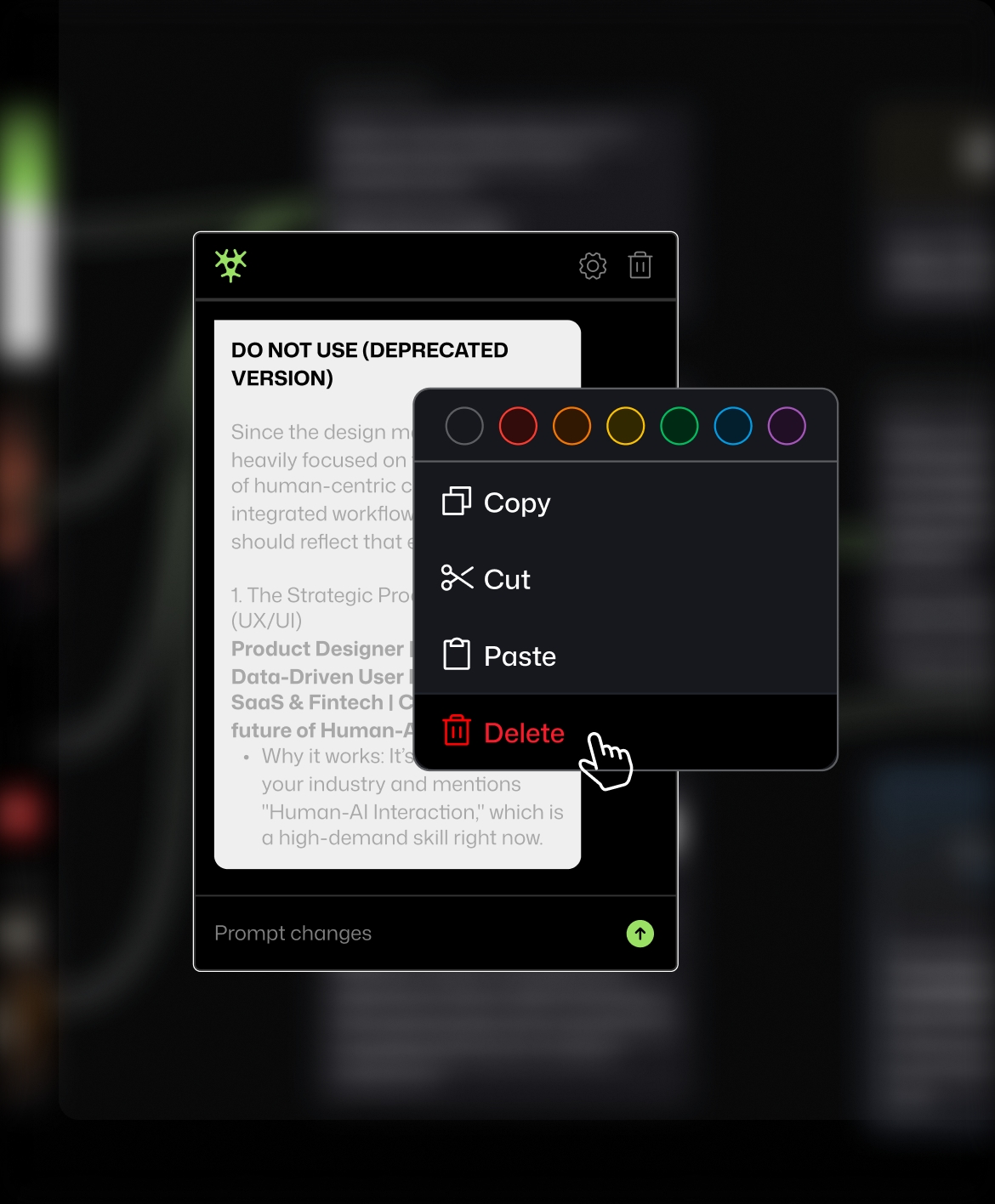
Edit the canvas directly
Open the canvas in the browser. See something wrong? Fix it. Edit nodes, add missing context, link pieces of information the agent missed.
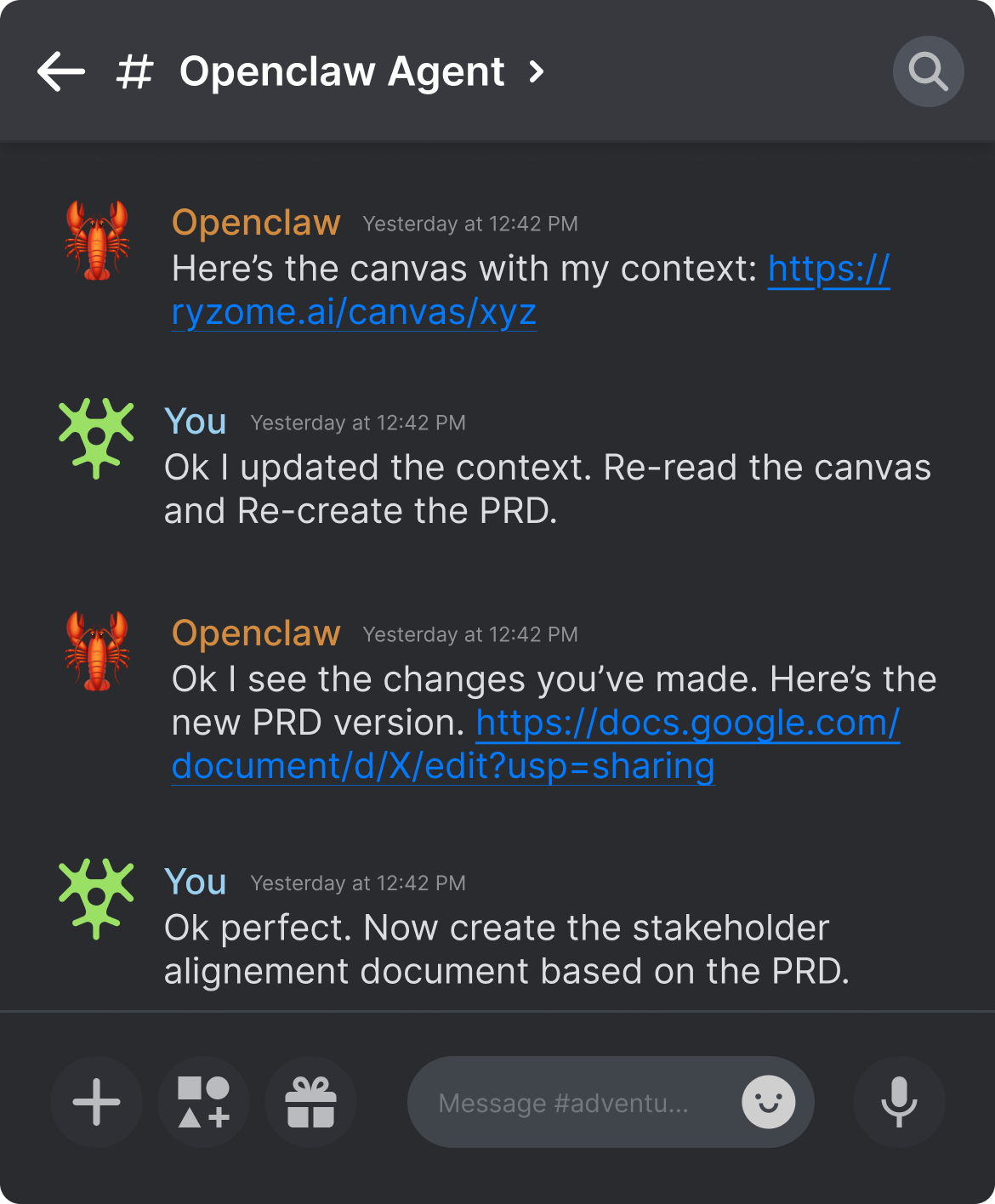
Hand it back to the agent
Ask the agent to re-read the canvas and proceed. It continues from the corrected state.
Pricing
Save over 15% with yearly
Price in USD
Hobby
Free
Ideal for everyday usage
No credit card required
Unlimited Canvases
1GB
Explorer
$12
/mo billed yearly
Perfect to push the boundaries
Everything in Free
50 GB
Custom
Custom
Tailored to your needs
Custom Storage
Why agent context matters

Why having context visibility when running Openclaw saves you time and tokens
Learn how using Ryzome for context visibility turns 20-minute debugging OpenClaw agent into 30-second fixes

Why canvas is better for working with OpenClaw context than text
Learn why default to text as the format your agent answers shapes how well you can understand, debug, and correct it.
Start Using Claw
Two ways to connect your OpenClaw agent to Ryzome Canvas